Where do you keep your photos? Your family videos? Your tax returns?
I never really thought about it until a few weeks ago. Then something happened that changed how I store everything important: pictures, videos, tax returns, legal documents, all of it.
I was having coffee with a friend at an outdoor cafe. I went to the bathroom and left my purse on my chair while she stayed at the table.

Her granddaughter called, and she got distracted for a moment. That was all it took.

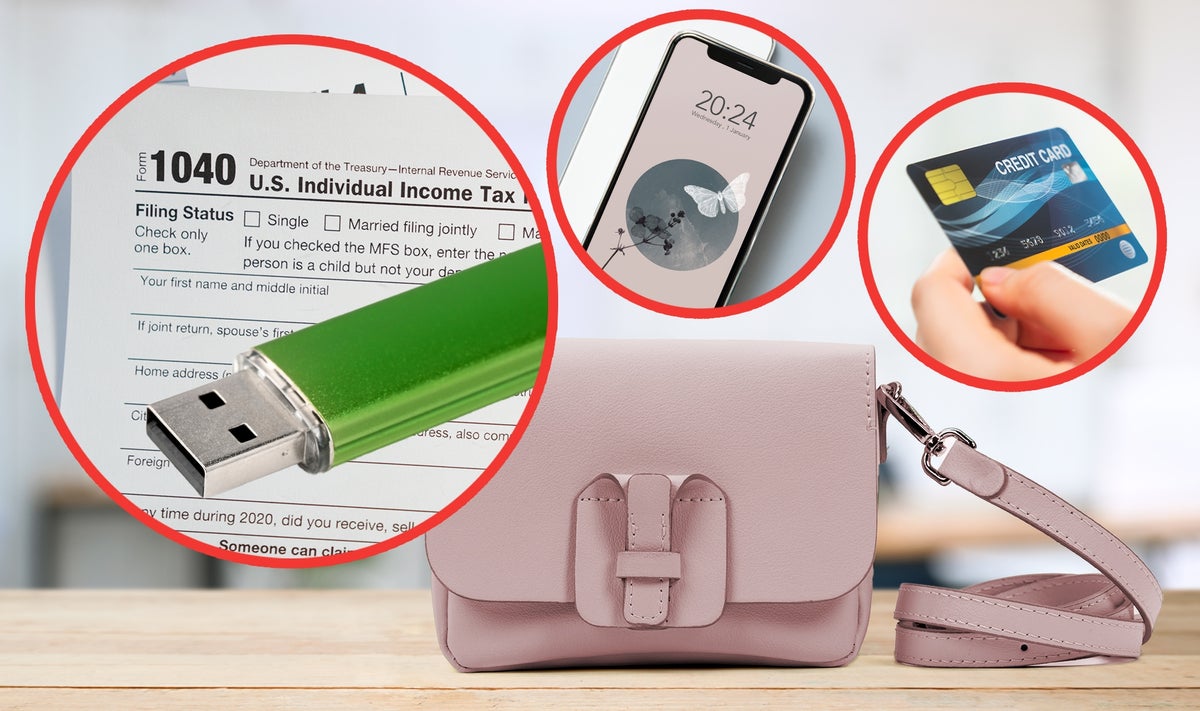
Someone grabbed my whole purse and ran off with it. My phone and wallet were in there, along with all the usual things.
There was also a thumb drive that had been rattling around in the bottom of my bag since April. My tax return was on it.
That’s also how I found out I was supposed to be backing up the photos and videos on my phone. I had never done it. I just assumed a copy ended up in the cloud somehow. It hadn’t.
So right now I’m still sorting out identity theft problems, and I’m getting new credit cards and a new driver’s license.
There was one good thing to come out of it. When my son heard what happened, he said, “I’m sending you something, so you’ll never have to worry about this again.” A few days later a package showed up with a device called Omni DataSafe inside.
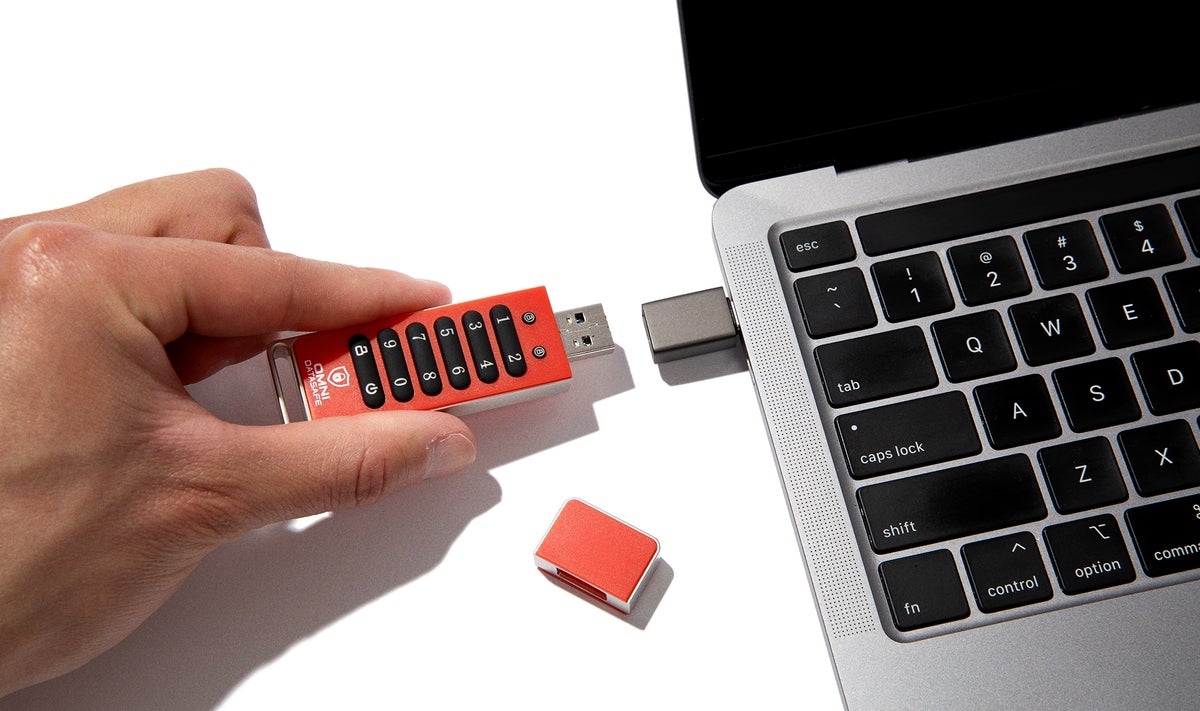
I’ll be honest, I didn’t expect much. It looked like any other thumb drive. But it’s become a small part of my routine, and it’s given me a kind of peace of mind I didn’t know I was missing.
What Omni DataSafe Actually Is
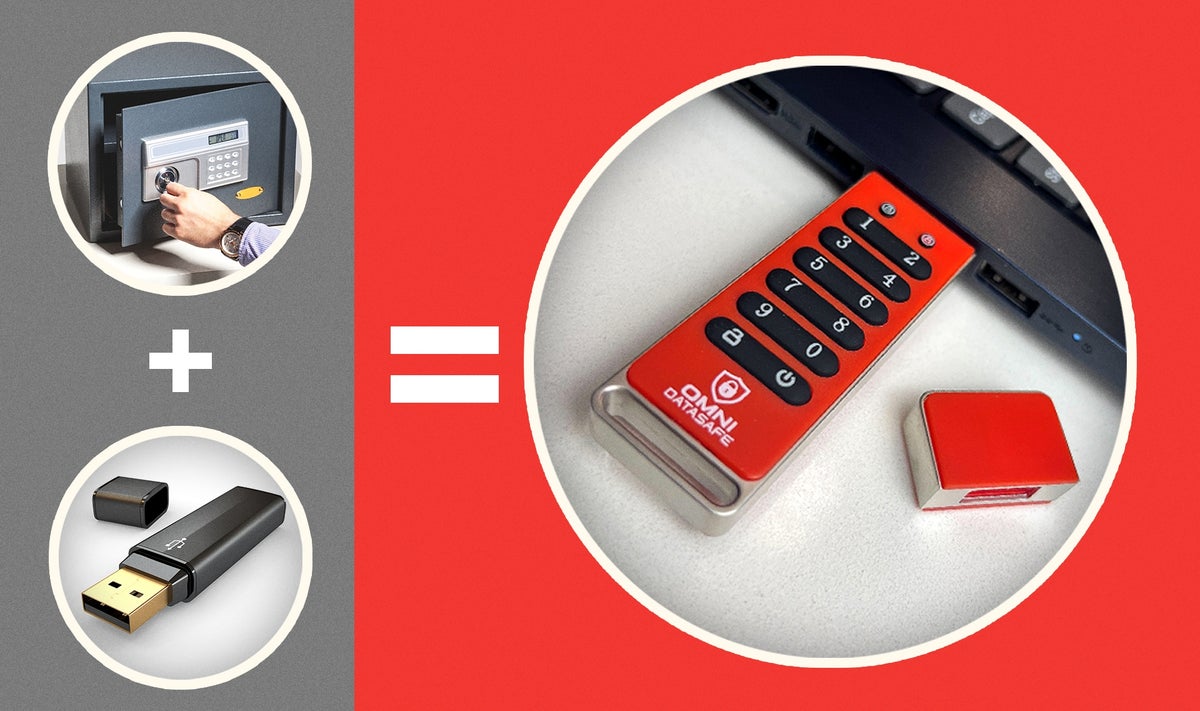
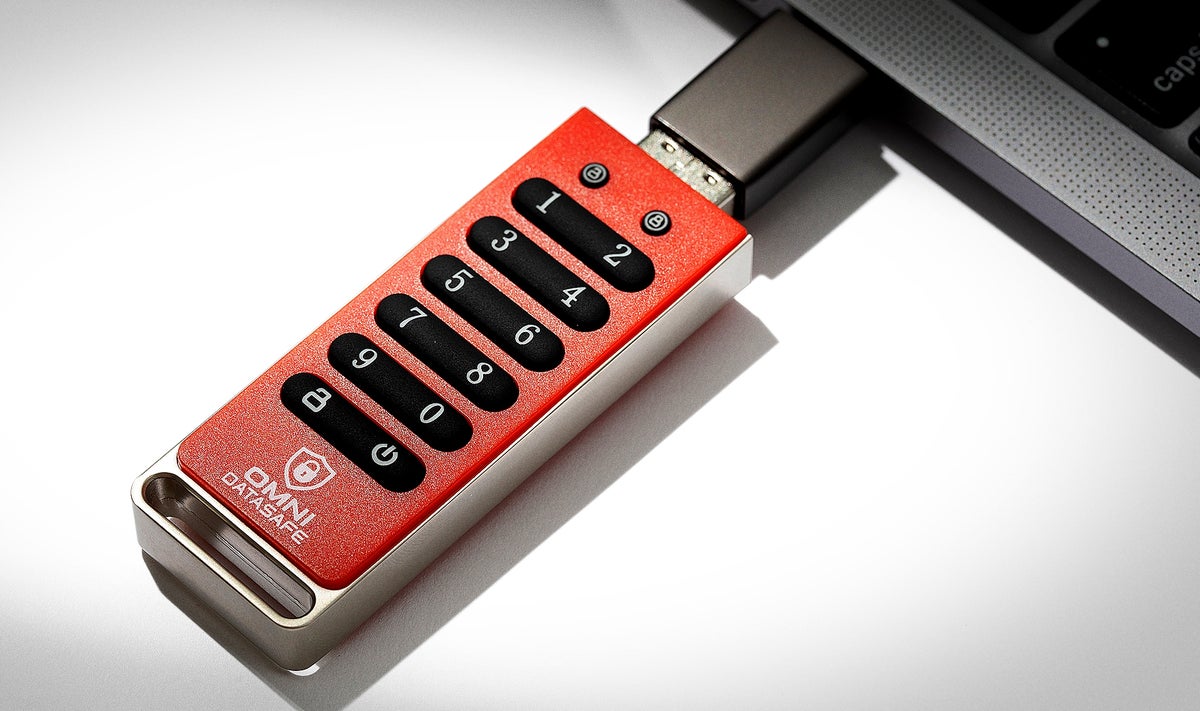
Omni DataSafe is an external storage drive with a physical keypad built in that locks your data.
It has military-grade encryption and works like a padlock on the outside, all in something the size of a thumb drive. The easiest way I can describe it is a cross between a safe deposit box and a regular thumb drive.
You can keep tax returns, photos, videos, legal documents and health records on it. Pretty much any digital file you want protected.
How It Works Day to Day
You plug it into a USB port on your computer and type your secret code on the keypad. After that, you save files to it the same way you would on any drive.
It holds up to 32GB. That doesn’t sound like much until you see what it works out to:
- About 250 one-minute videos
- About 8,800 photos
- More than 600,000 pages of documents
It works with Windows, MacOS and Linux, so you can take it from one computer to another.
The feature I like most: as soon as you pull it out of the computer, it locks itself. If someone steals it, they can’t open your files without the passcode. According to the maker, it’s protected against hacking, physical tampering, malware and brute-force attacks.
If someone tries to guess the passcode, the drive resets and erases everything after 10 wrong attempts in a row. So even if it gets stolen, the thief doesn’t get the data.
My son cared most about the encryption. It uses military-grade AES 256, and experts say it would take millions or even billions of years to break it with a brute-force attack.
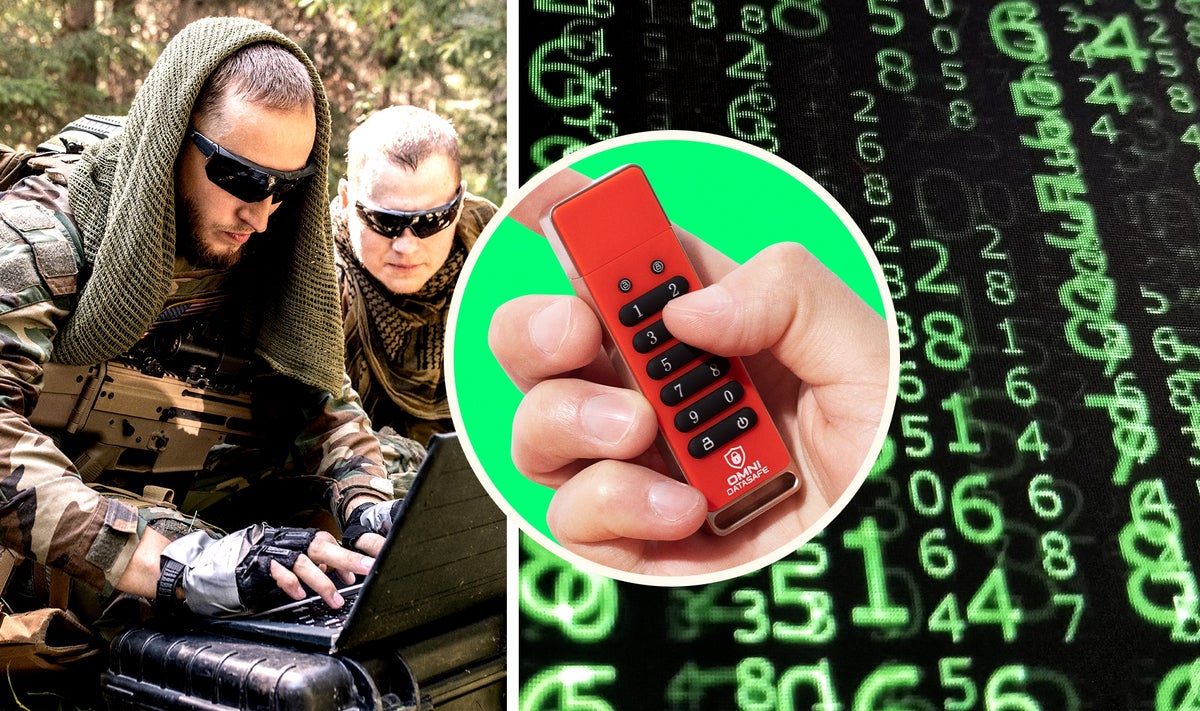
What matters more to me is that it’s easy to find my way around. It has tools for bill tracking, asset management, estate planning, password management and more.
I’m not very technical, and I still figured it out without any trouble.
The Questions I Had Before Trusting It
Since this was a gift, I hadn’t researched it myself. I had a couple of worries at first.
The first was that I might press the buttons by accident and wipe everything. That turned out not to be a problem. The buttons aren’t sensitive enough to press by accident, let alone 10 times in a row. You’d have to be deliberately trying to guess the passcode to erase it.
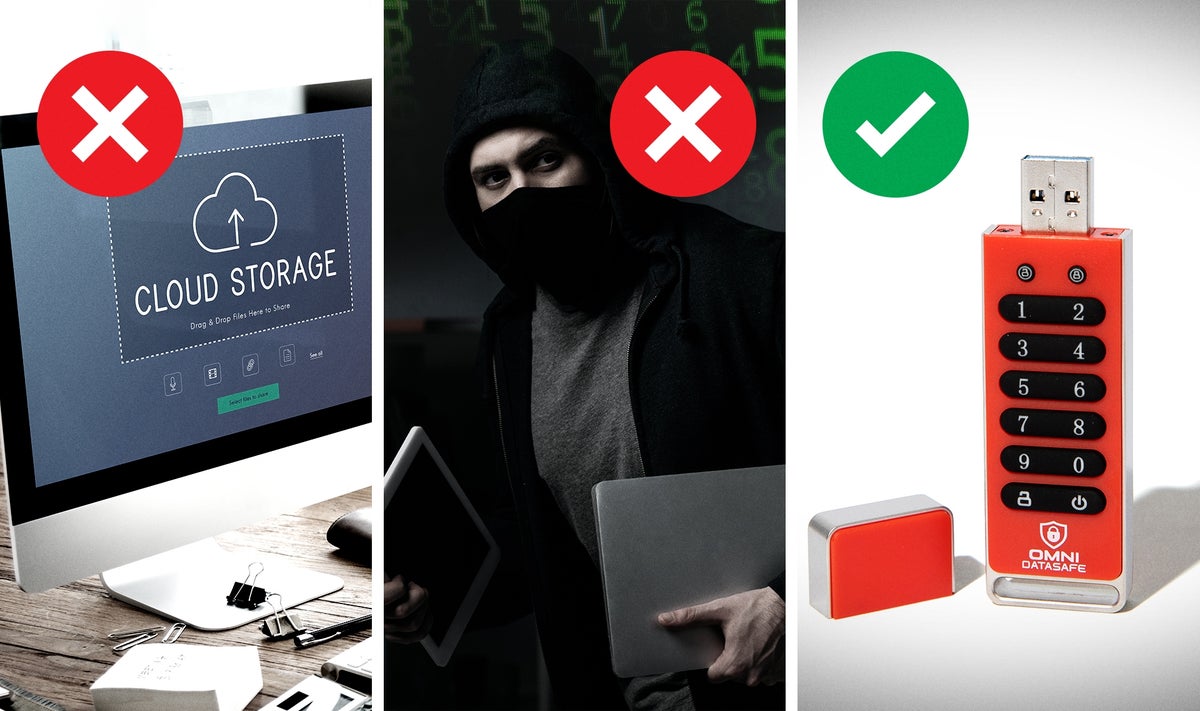
The second was whether people at the company could see my files. They can’t. This isn’t a cloud service. Everything stays on the physical drive, so nobody can get to it unless they have both the drive and the passcode.
What My Son Thinks (He Works in IT)
Obviously my son likes it, since he’s the one who bought it. But he also looked through the specs before choosing it, and he gave it two thumbs up.
He likes how secure it is. He says my old thumb drive doesn’t come close. If my purse gets stolen again, nobody is getting anything off this drive.
He also likes that the family can get to our most important documents right away if something ever happens to me or my husband.
Right now I keep my husband’s and my wills on it, plus all our account logins and passwords, our tax records and our favorite family memories. My son and my husband both know the passcode, so one of us can always get in.
Is It Worth It?
For me, yes, without question. I’d buy it again many times over.
I now know how much work identity theft creates. You go through bank transactions, set up account alerts, sign up for identity protection services and check your credit scores, both mine and my husband’s in my case. Then you keep doing it for months, maybe years.
If you have any digital files you care about, I’d recommend getting one. Being safe is much better than being sorry, and I’m telling you that from experience.
I also think it makes sense for businesses, especially if you work from home, travel for work, work in coffee shops or use public Wi-Fi. Every one of those is a chance to lose a thumb drive or get hacked. It adds a layer of protection for business documents, HR records, budgets, banking details and other digital records.
Price and Where to Get One
The company behind Omni DataSafe saw my story. Because it’s a new product and they want more people to know about it, they’re giving readers $20 off an Omni DataSafe. They also have an offer if you buy more than one.
Prices and bundles can change, so check the official Omni DataSafe site for the current price before you order.
FAQ
How much does it hold? Up to 32GB. That’s about 250 one-minute videos, 8,800 photos or more than 600,000 pages of documents.
Which computers does it work with? Windows, MacOS and Linux.
What happens if someone steals it? It locks automatically when it’s unplugged, so no one can get to your files without the passcode. After 10 wrong attempts in a row, it erases the whole drive.
Could I wipe it by accident? It’s unlikely. The buttons aren’t sensitive enough to get pressed by mistake, and it would take 10 wrong attempts in a row.
Can the company see my files? No. It isn’t a cloud system. Your data stays on the physical drive.
Is it hard to use if I’m not good with technology? I’m not, and I found it easy. It also includes tools for bill tracking, password management and estate planning.
My Verdict
I started out skeptical, and I’m now convinced every home should have one of these. I’d say the same for most businesses. Losing that cheap thumb drive taught me an expensive lesson, and Omni DataSafe is how I make sure it doesn’t happen again.
One limitation: since the drive wipes itself after 10 wrong passcode attempts, you need to remember your code. I’d do what I did and share it with someone you trust. It also isn’t a cloud backup, so the drive itself needs to stay safe with you. And because it’s new and the discount is getting attention, I expect it to sell out, so don’t wait too long if you want one.
This website is an advertising marketplace for companies that provide consumers with products and services. This website is an advertisement and not a news publication. All persons depicted on this site are models. The owner does not recommend or endorse any specific company. Terms, conditions, and exclusions may apply. Representations regarding the efficacy and safety of Omni DataSafe have not been evaluated by the Food and Drug Administration. These products are not intended to diagnose, prevent, treat, or cure any disease. This information does not constitute medical advice and should not be relied upon as such. Consult with your doctor before modifying your regular medical regime. We may earn a commission when you buy through links on this page.
